How to Add Receipt Payment Entry
1
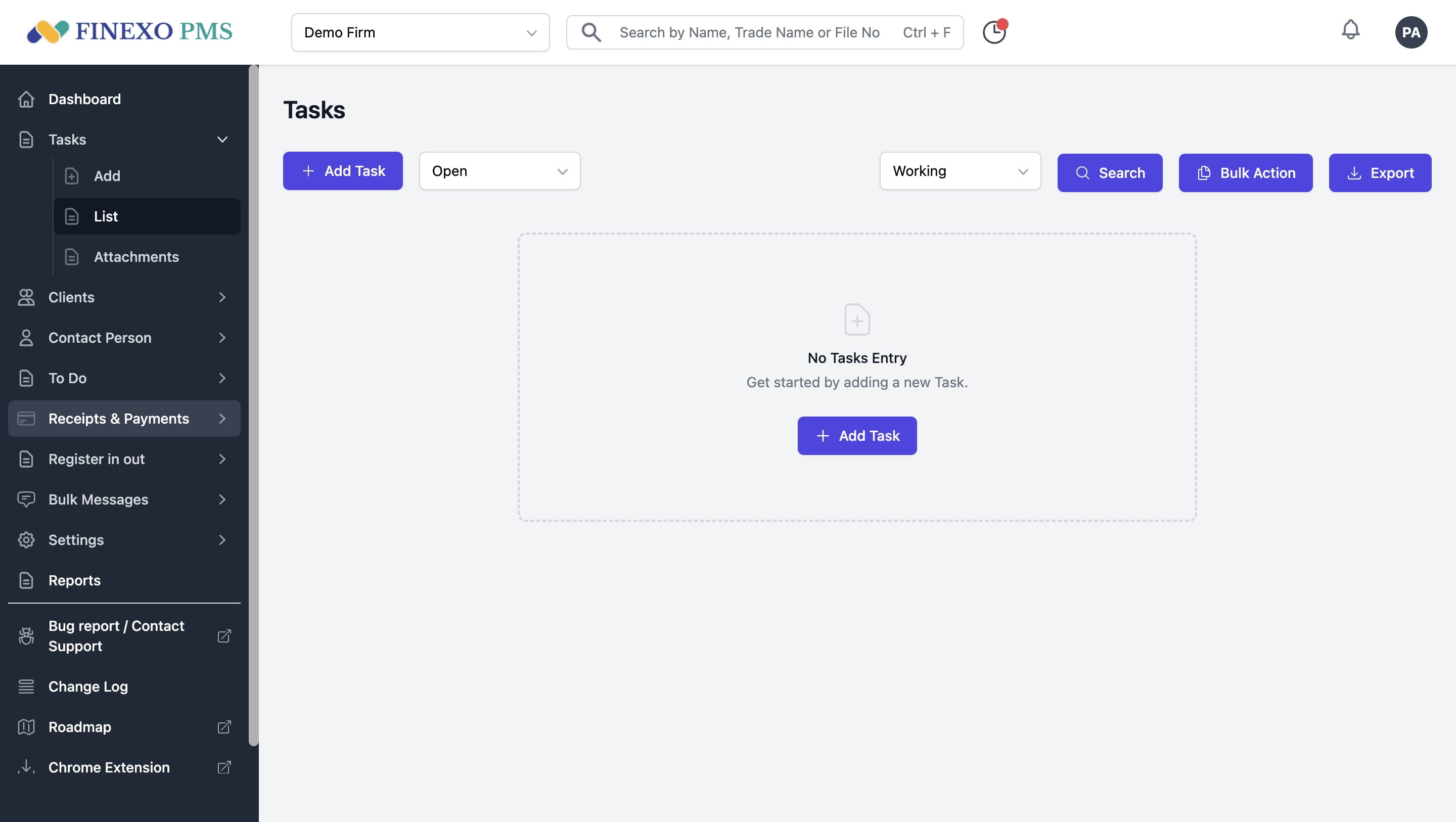
Go to Receipts & Payment option from left menu
2
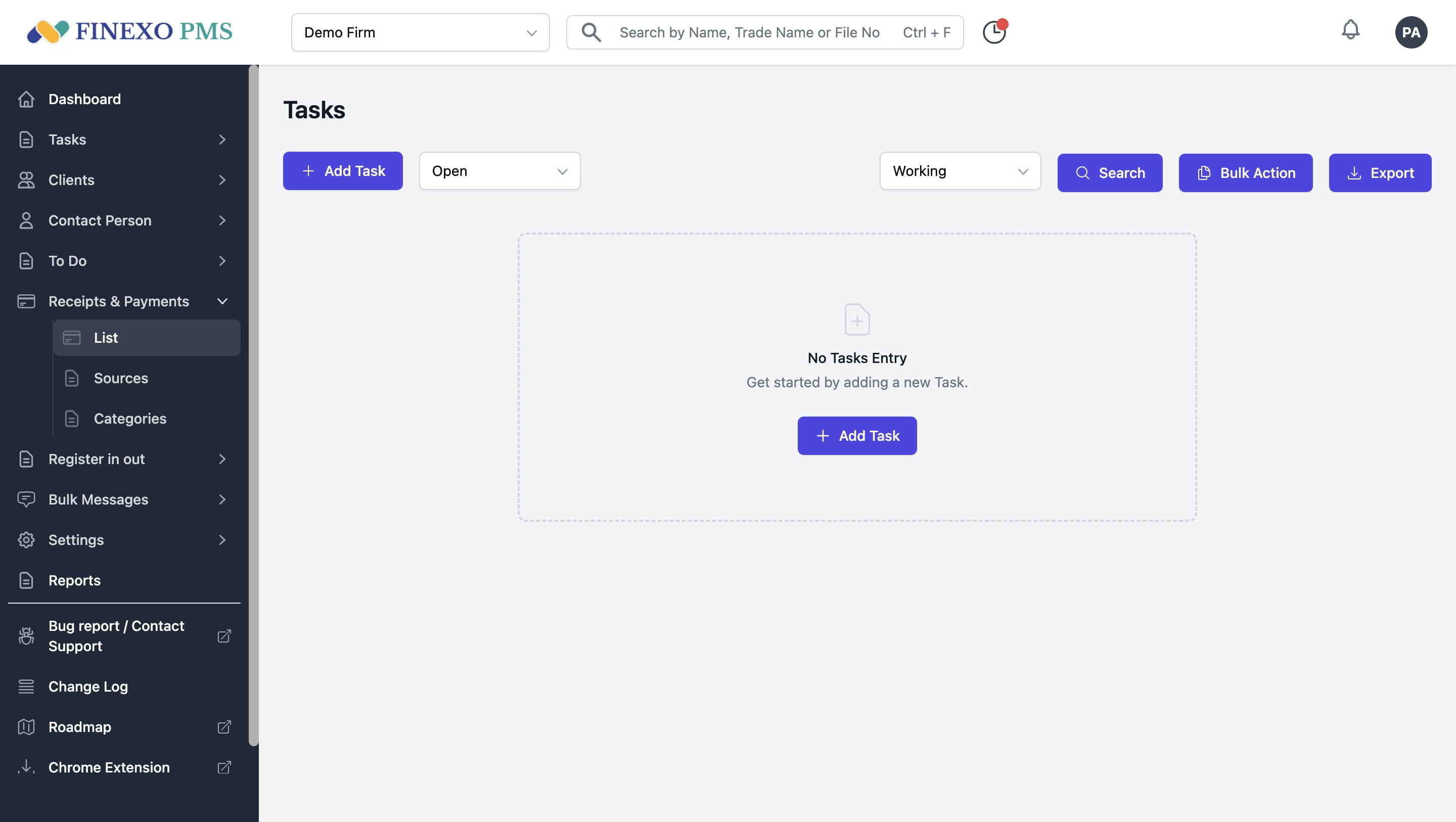
Click on List.
3
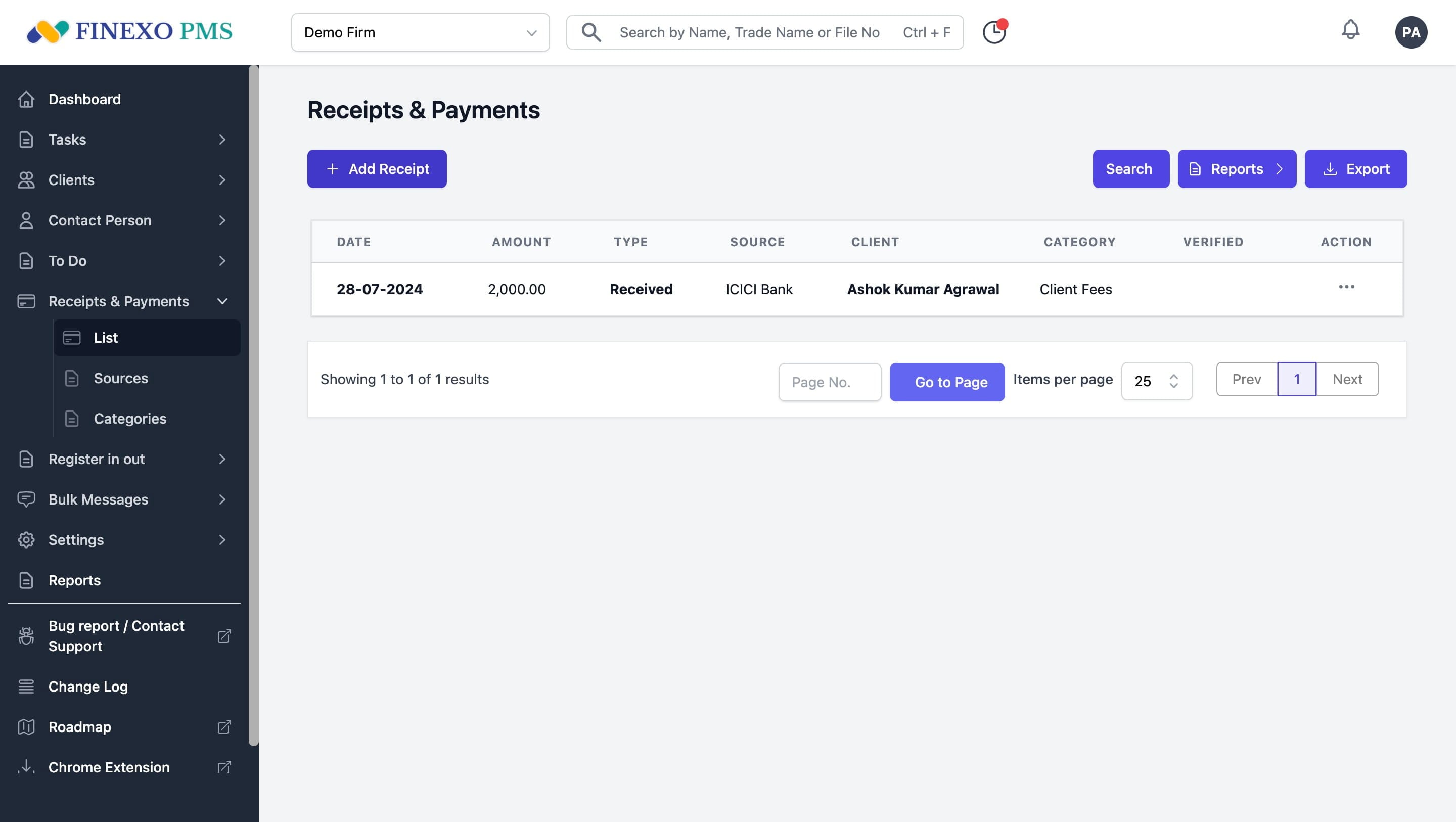
Click on Add Receipt button.
4
Select Date by clicking on the calendar.
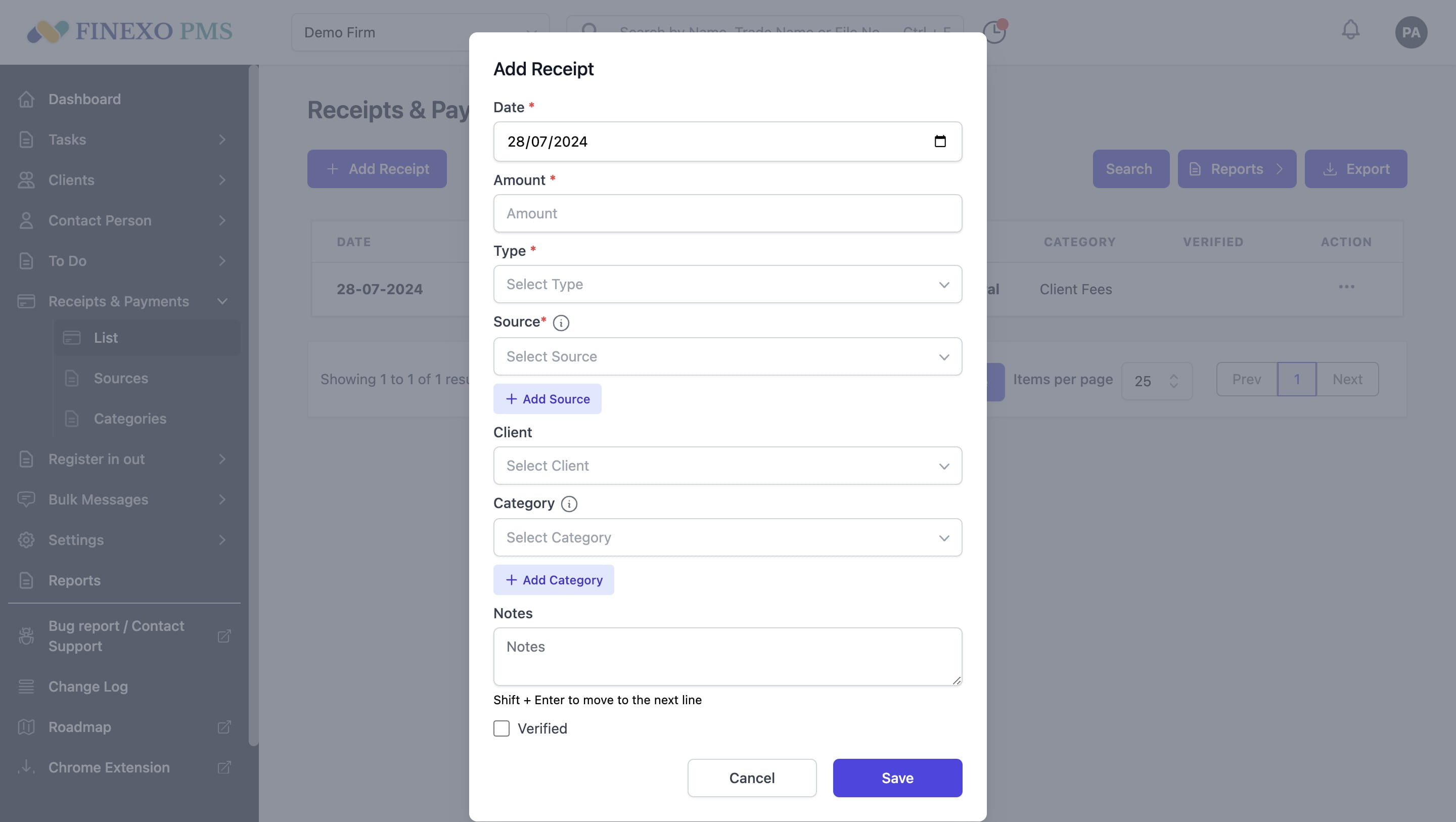
5
Enter amount.
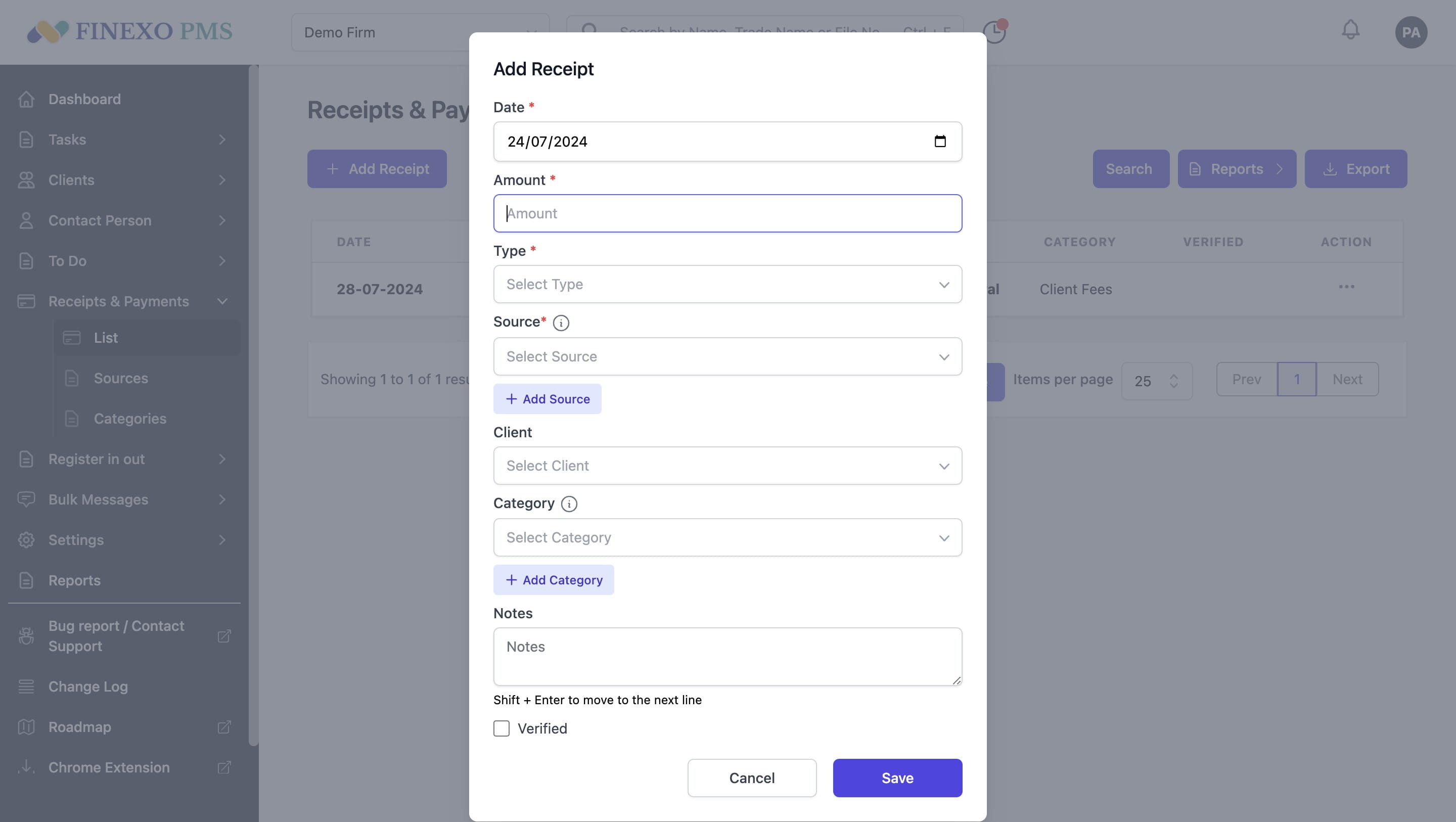
6
Select type of entry out of Paid, Received, Payable, Receivable
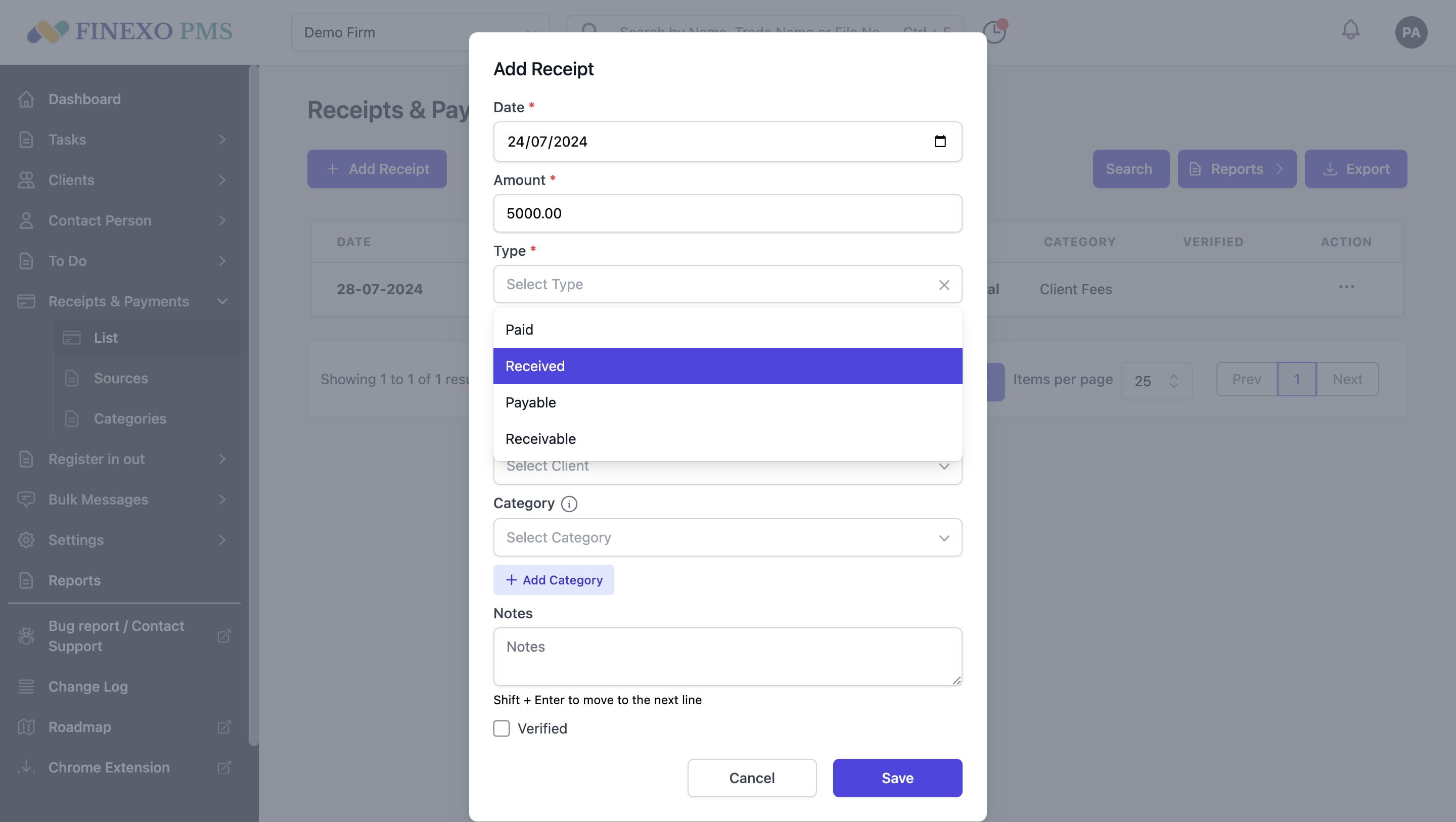
7
Select source in case of paid or received type.
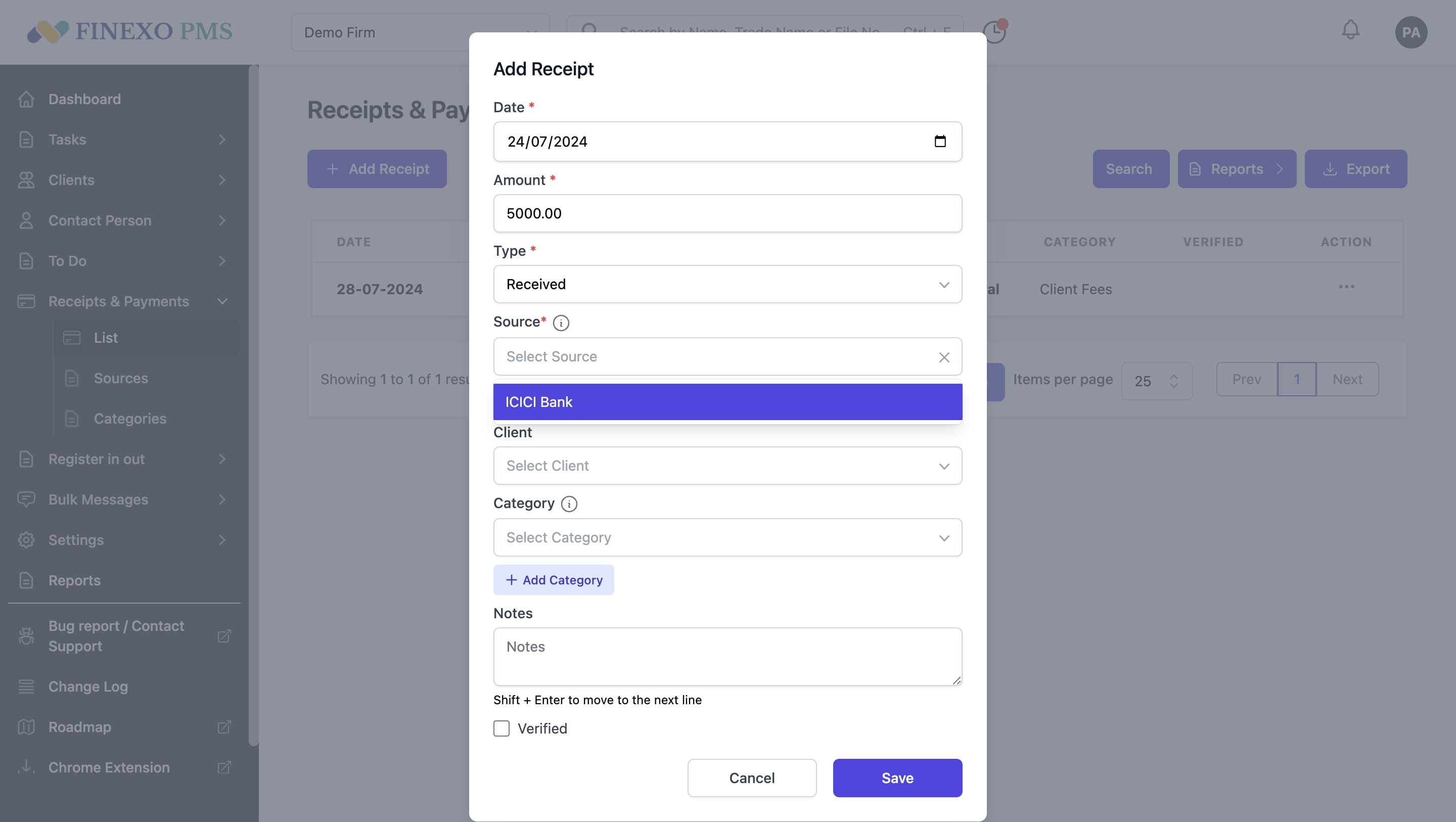
8
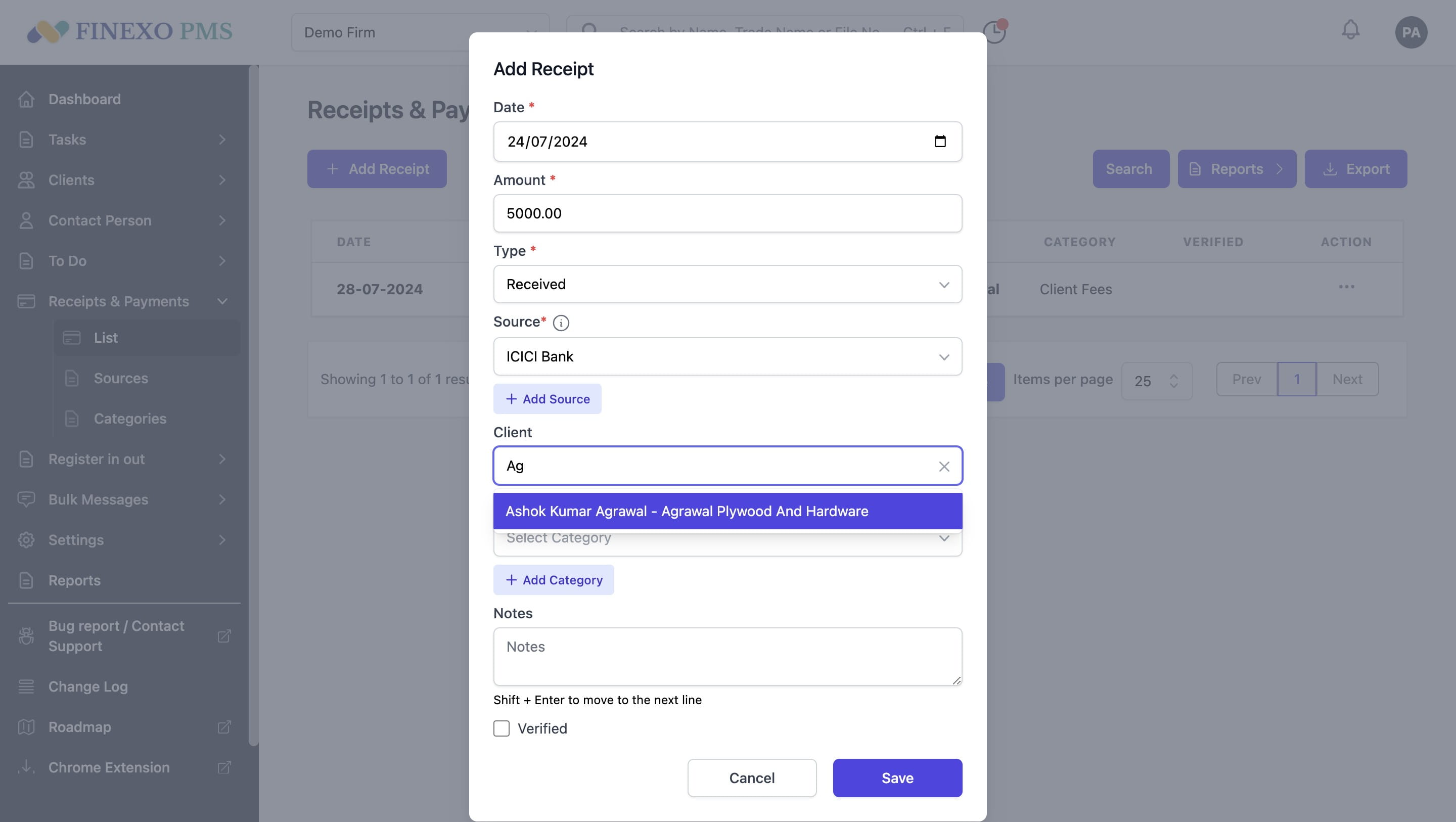
Select client (optional)
9
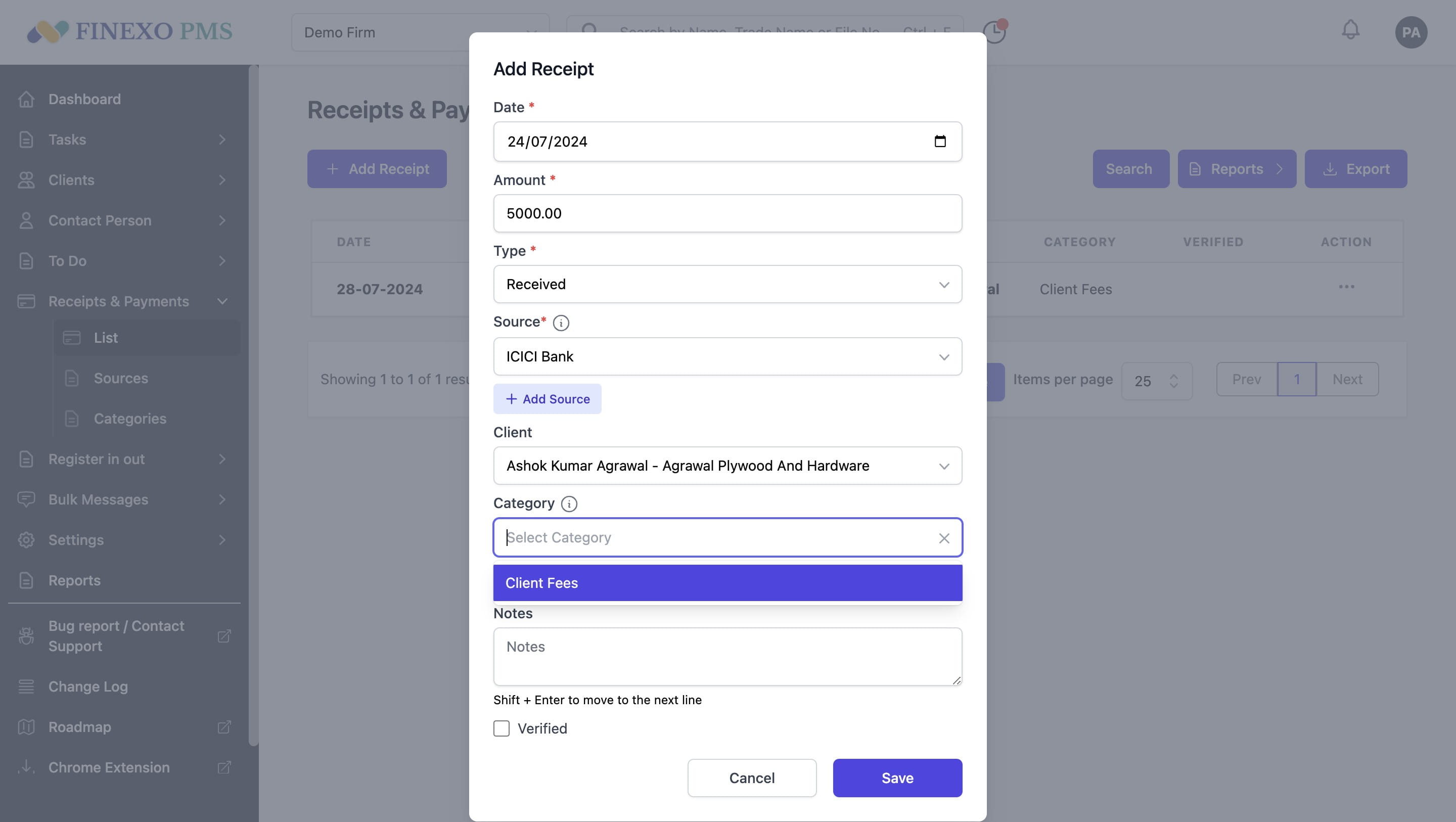
Select category (optional)
10
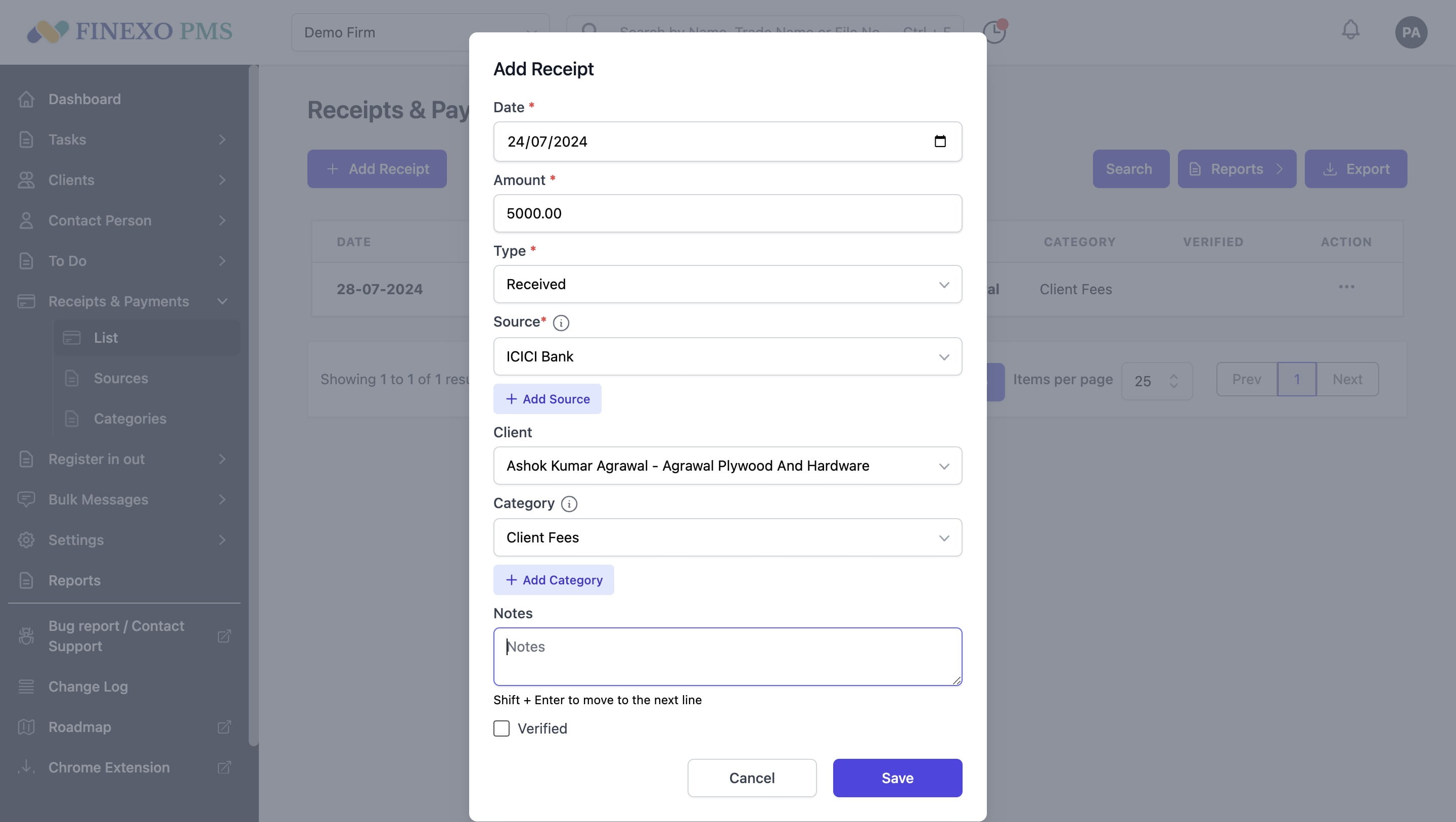
Select the checkbox if you want to mark it as verified.
11
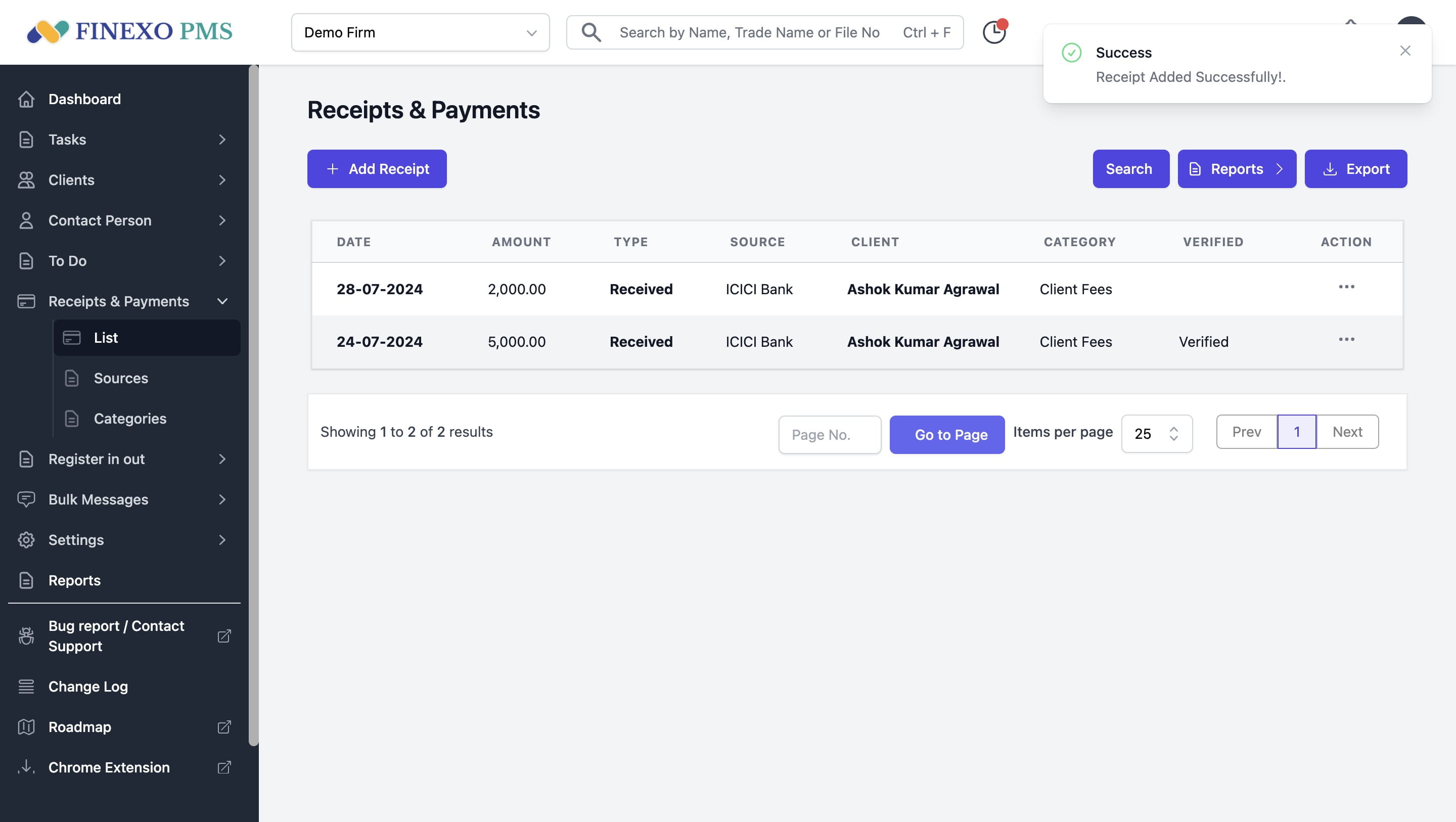
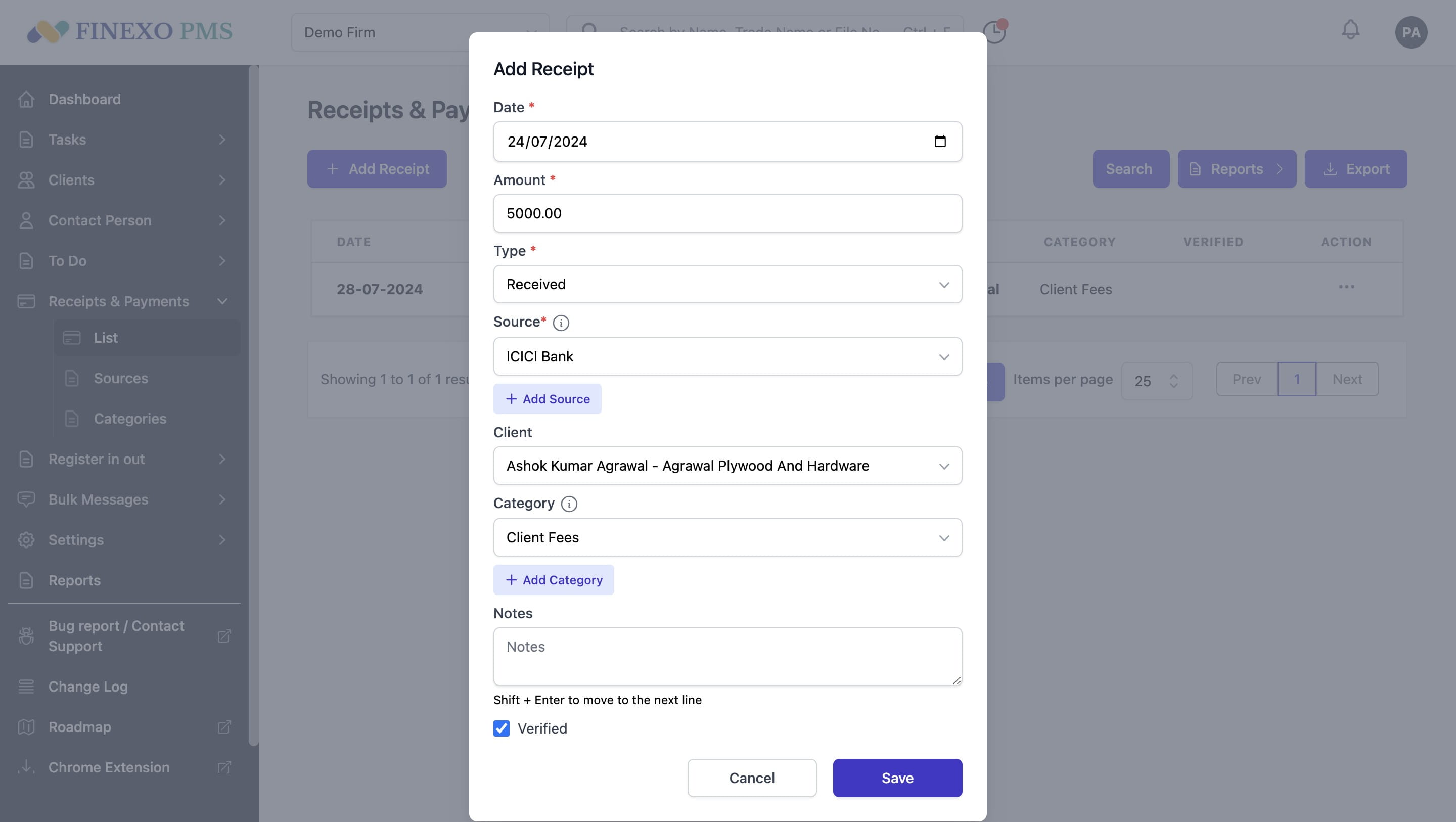
Click on "Save"
12
A confirmation message will be shown. 🚀